A roadmap your users can follow
Put the most requested ideas on a roadmap with three clear stages. Users see what's coming, and hear back when it ships.
How it works
Follow one card, from top request to shipped.
- 1 You
Pick the winner from feedback
Your users already told you what they want. Send the most requested idea to the roadmap in one click, and it stays linked to the original.
- One click from Feedback to roadmap
- Votes and “notify me” subscribers come along
- Or add an item straight to any column
Feedback · Most requested156Public roadmap voting
Priority 92Let our users vote right on the roadmap…
2425 waiting to hear back
89Advanced analytics
Growing interest
Stays linked to the ideaAdd to roadmap - 2 You
Plan it in three stages
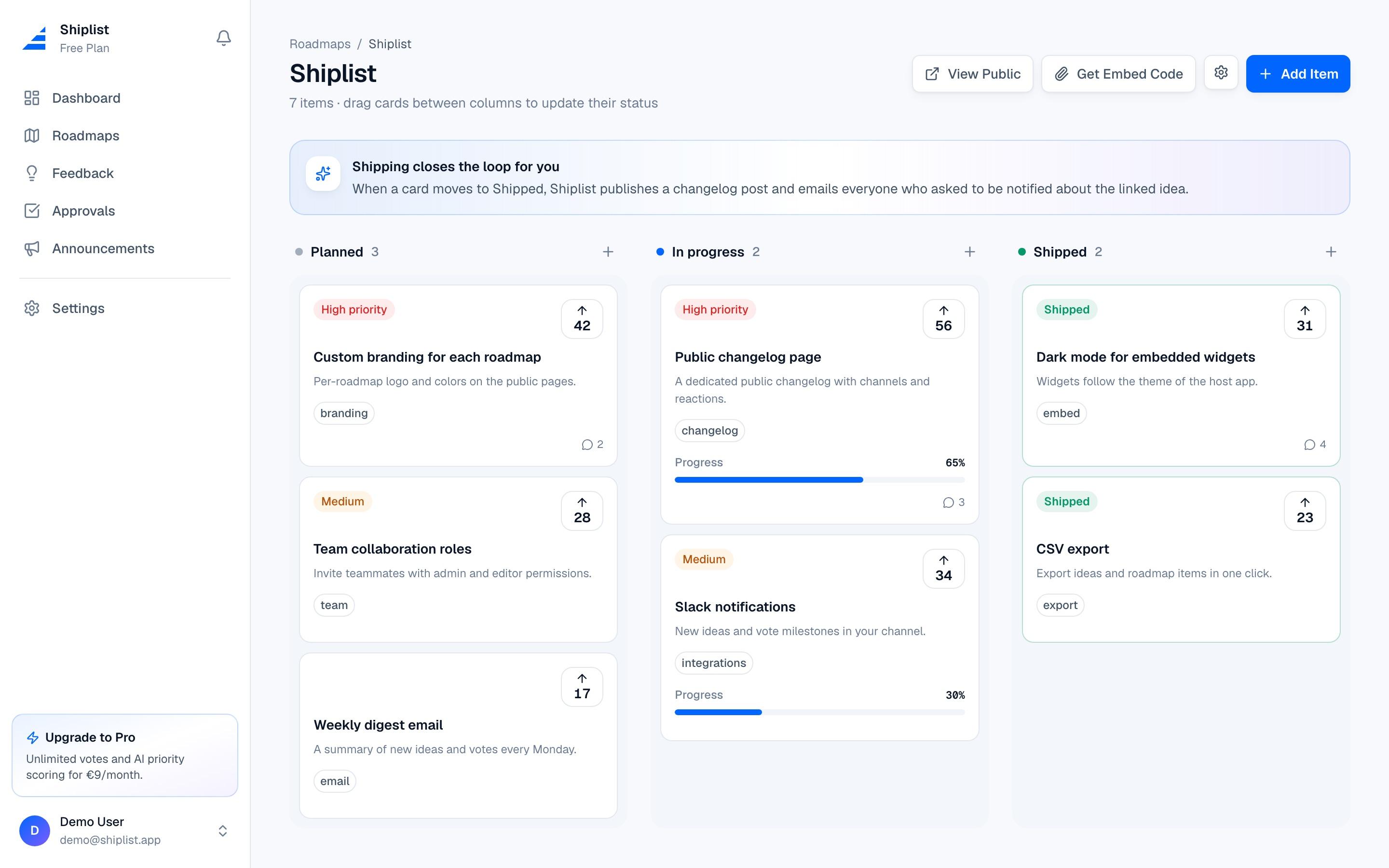
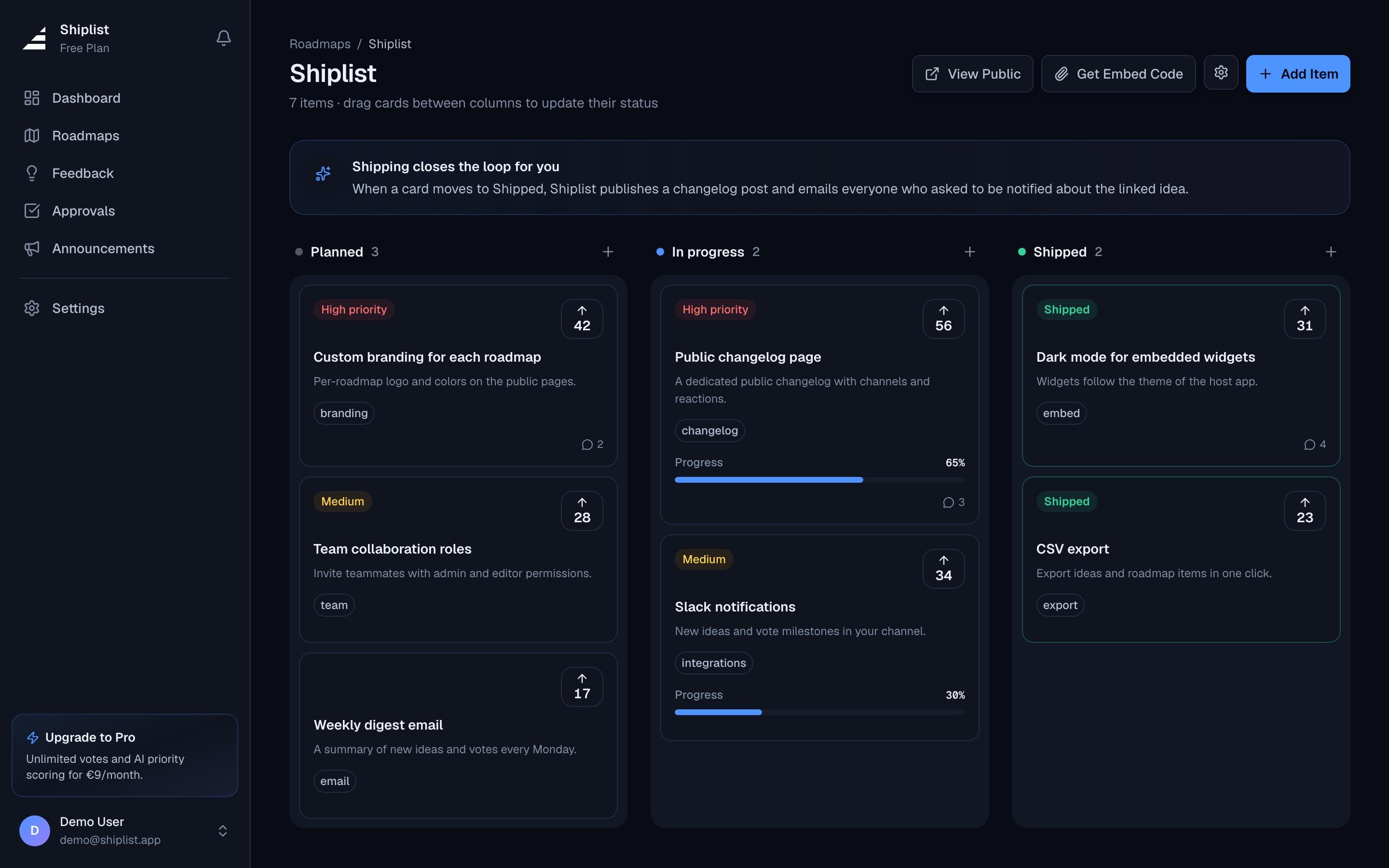
Planned, In progress, Shipped. Drag cards between columns, set a priority and track progress. Nothing to configure.
- Drag and drop between columns
- Priority, tags and progress on every card
- AI help writing descriptions and tags
RoadmapPlanned
Custom branding
42In progress
Public roadmap voting
156Shipped
ShippedCSV export
23 - 3 Your users
Users follow along, and keep voting
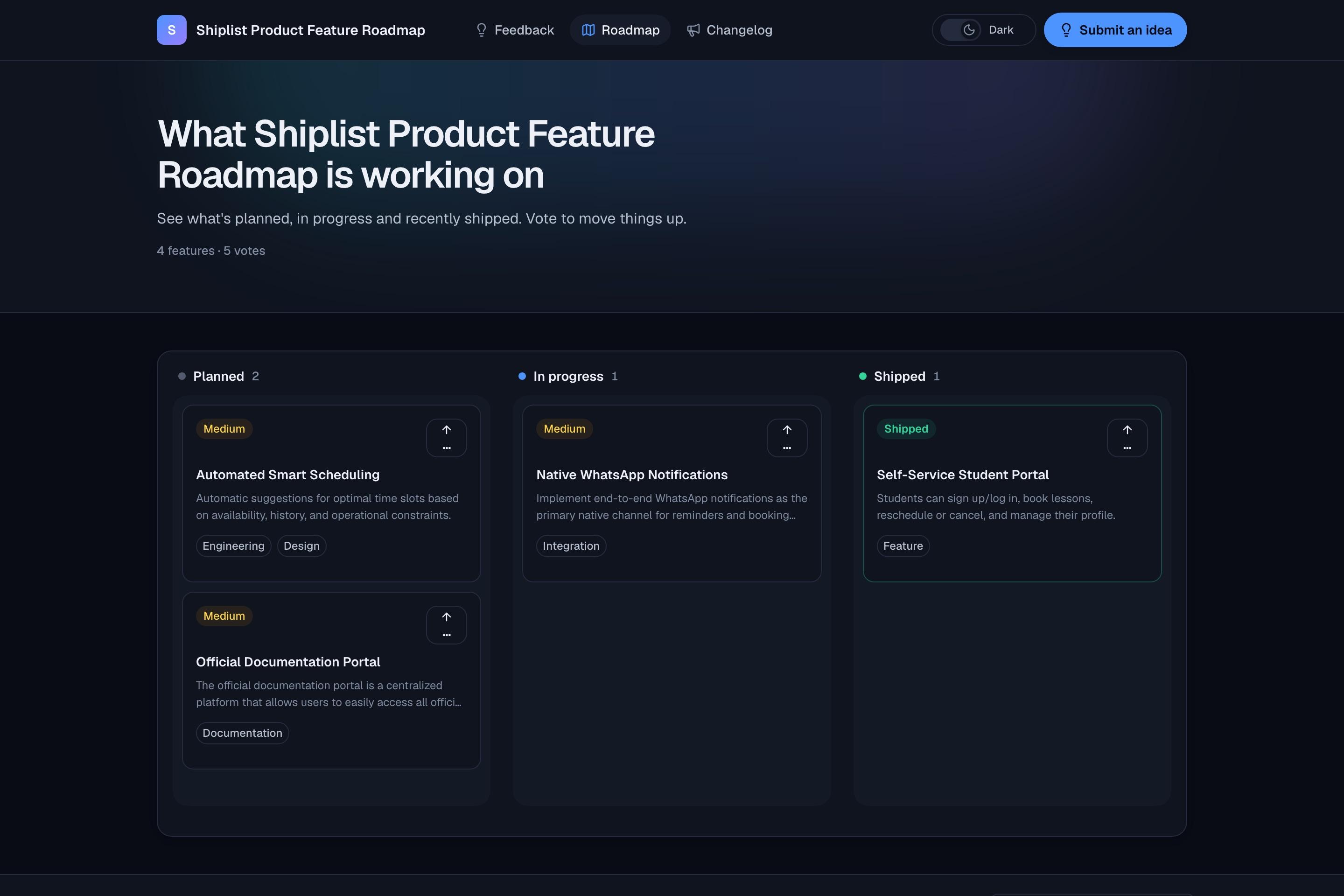
Your roadmap lives at its own public link and inside your app as a widget. People see what's next and vote to move things up, without an account.
- Public page at shiplist.app/r/your-product
- Embeddable widget for your app or docs
- One-click voting, no signup
shiplist.app/r/your-product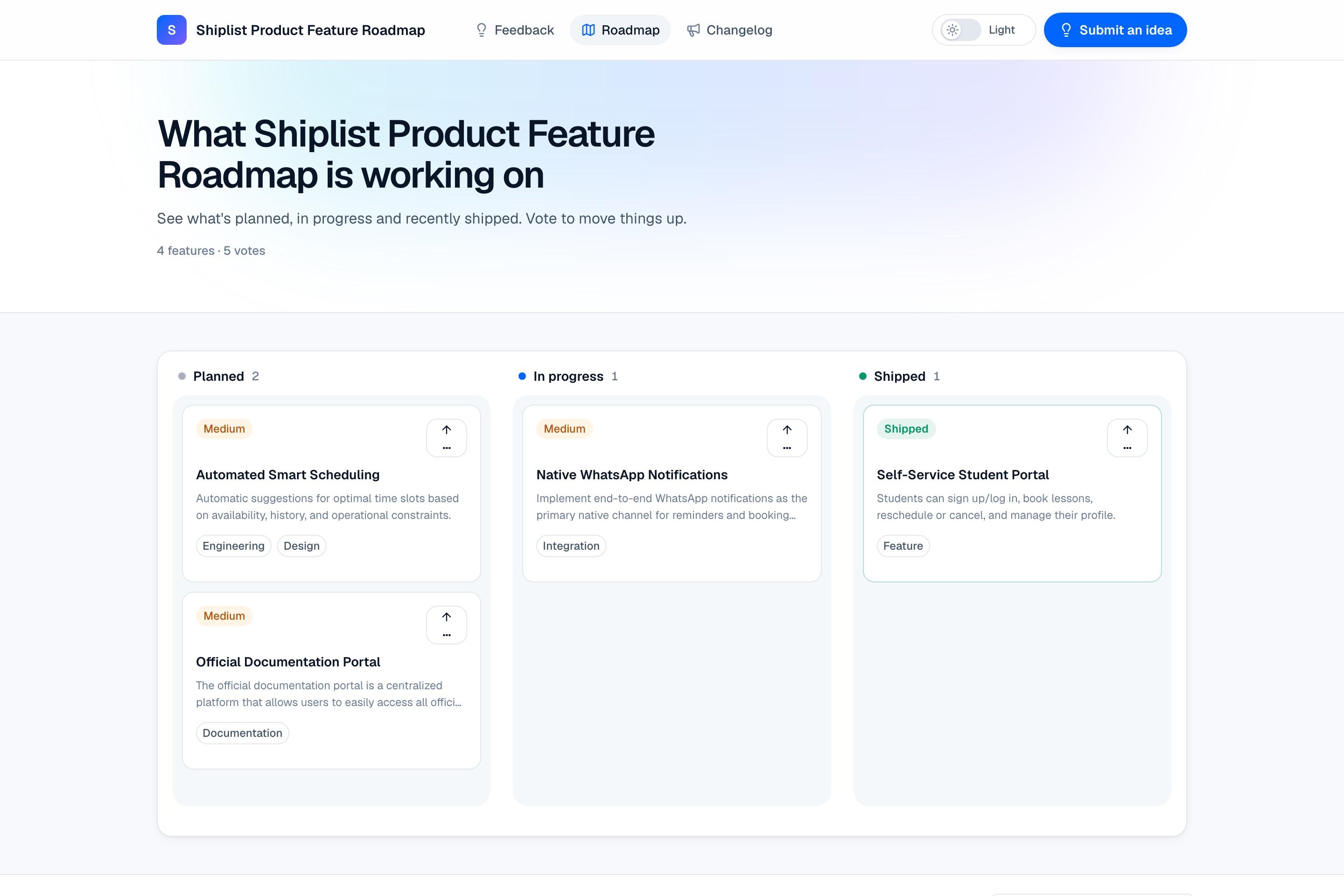
- 4 Shiplist, automatically
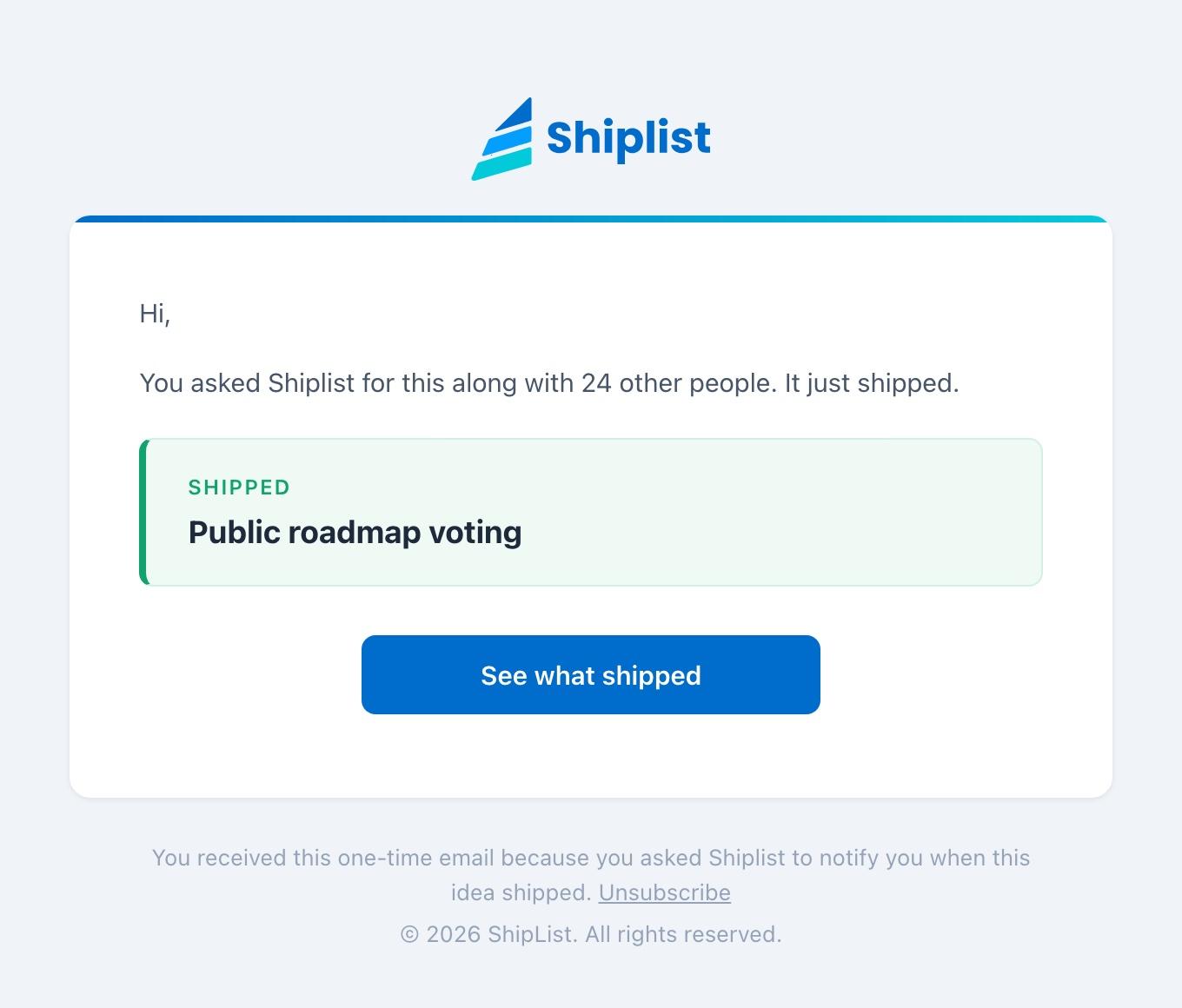
Drag it to Shipped. They hear back.
That's the whole release process. Shiplist publishes the changelog post and emails everyone who asked for the idea, including people who voted on duplicates you merged.
- Changelog post published automatically
- One email to each person who asked
- The idea shows Shipped on your board
Public roadmap voting moved to Shipped. Changelog post published, 25 people emailed.
FromShiplist notifications
Tosara@northwind.io
SubjectShipped: Public roadmap voting
Where your roadmap lives
Public when you want it, private when you don't.
Public page
A clean page at your own link that you can share anywhere.
shiplist.app/r/your-product
In-app widget
Show the roadmap inside your app or docs, with voting built in.
<iframe src="…/embed/roadmap">
Private roadmap
Keep a roadmap to yourself for internal planning. Flip it public later.
Visibility: Private
Everything included
Plan
- Planned, In progress, Shipped
- Drag and drop
- Priorities and tags
- Progress tracking
Share
- Public roadmap page
- Embeddable widget
- Private roadmaps
- CSV export (Pro)
Vote
- Voting without signup
- Live vote counts
- Duplicate vote protection
- Optional voting budget
Close the loop
- Linked to the original idea
- Auto changelog post
- Shipped emails
- Status synced to the board
Free includes one roadmap. Pro gives you three. See plans →
Good questions
Do my users need an account to vote?
No. Anyone can vote on your public roadmap or widget with one click. Each browser gets one vote per item.
Can I limit how many votes people have?
Yes. Turn on a voting budget so each person gets a set number of votes, reset monthly or quarterly. It makes people choose what matters most.
What happens when I move a card to Shipped?
Shiplist publishes a changelog post for it. If the card came from an idea, the idea is marked shipped and everyone who asked to be notified gets one email.
Can I keep the roadmap private?
Yes. Any roadmap can be private for internal planning. Make it public whenever you are ready.
Put your roadmap in public.
Share what's planned, in progress and shipped. When a card reaches Shipped, everyone who asked gets an email.