From “I wish…” to “it shipped”
Users share ideas and vote. You see what matters most. When you ship it, everyone who asked hears back.
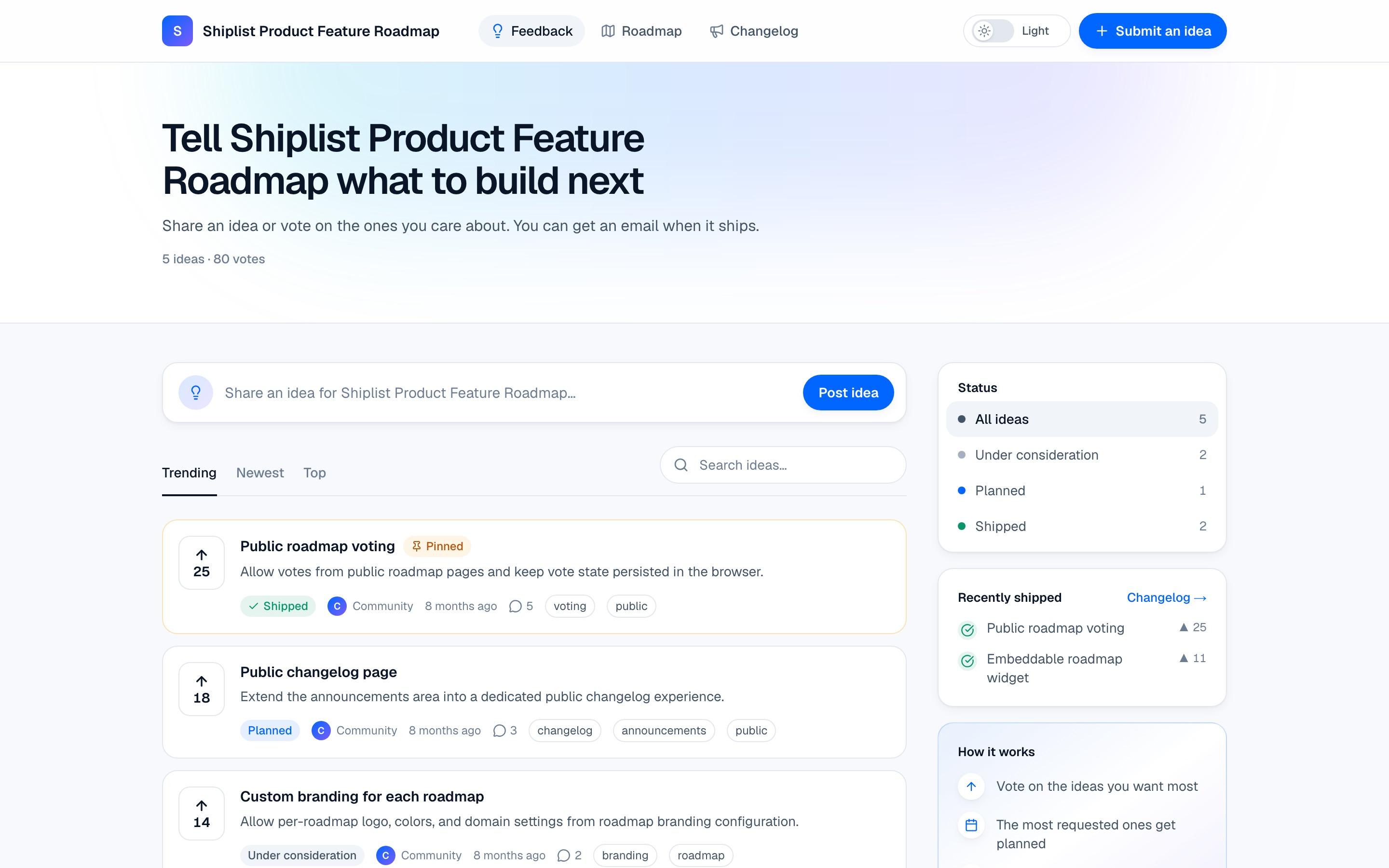
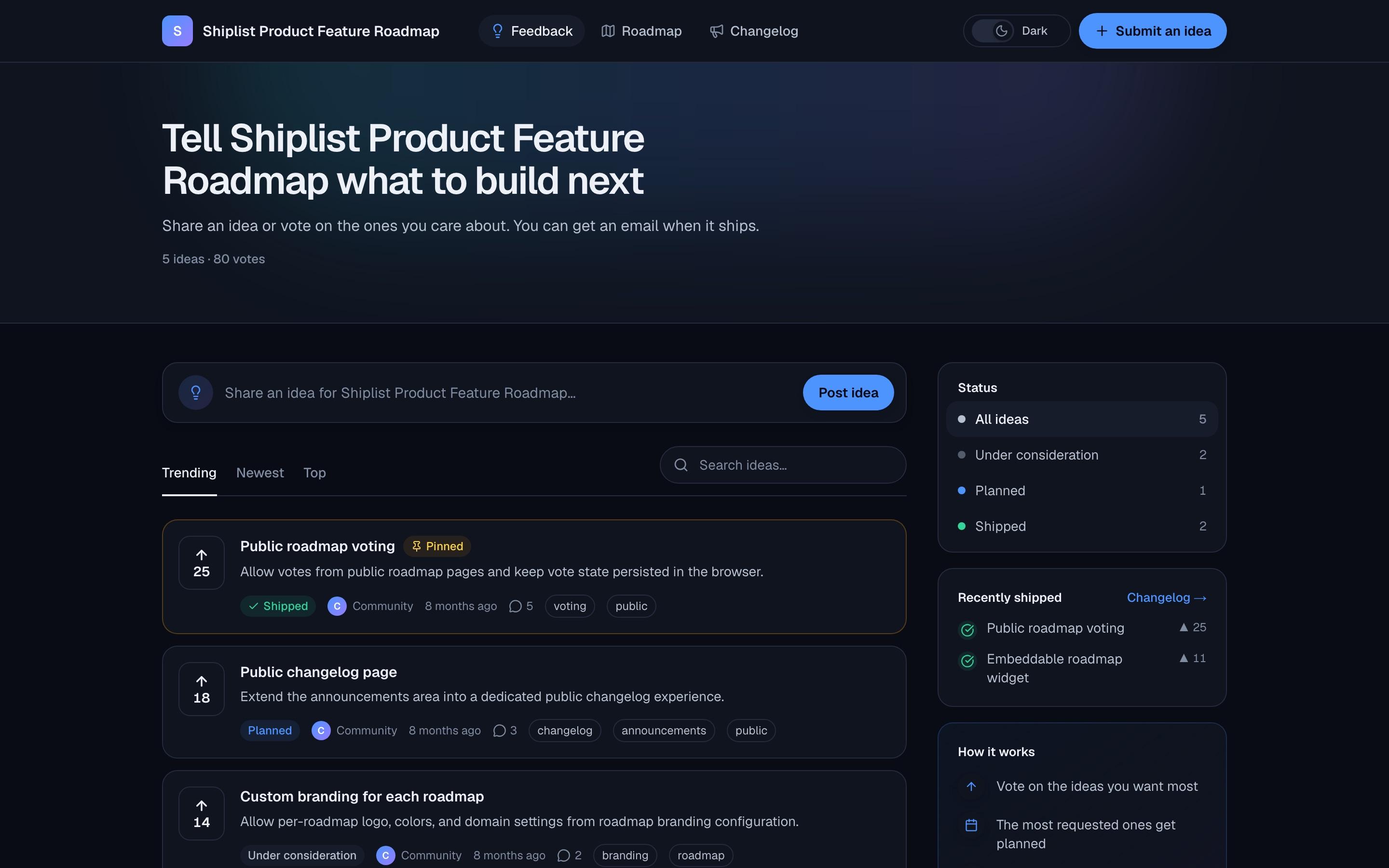
How it works
Follow one idea, start to finish.
- 1 Your users
Someone shares an idea
On your public board or the widget inside your app. No account, no login wall: they type it and post it.
- Title, description and tags
- Works on your board and in embedded widgets
- Optional approval before it goes public
acme.shiplist.app/i/acmeNew idea
Dark mode
The dashboard is hard to read at night. A dark theme would help a lot.
No account neededPost idea - 2 Your users
Others vote, and ask to hear back
People who want the same thing vote with one click. Right after voting they can leave an email to be told when it ships.
- One vote per person, protected by browser fingerprinting and rate limits
- Vote milestones flag what’s taking off
- “Notify me” is optional, one email, one-click unsubscribe
156Dark mode
Under considerationThe dashboard is hard to read at night…
243 days ago
Vote counted. Want to know when it ships?
sara@northwind.ioNotify me - 3 Shiplist, automatically
AI keeps the board clean
Every new idea is categorized and checked against the existing ones. Duplicates get merged, so votes and subscribers add up on one idea.
- Auto-categorization and suggested tags
- Duplicate detection with semantic similarity
- Sentiment on ideas and comments
New idea · AI reviewLooks like a duplicate · 91% similar
“Night theme please” matches “Dark mode” (156 votes).
Merge into “Dark mode”Keep separateSuggestedFeature requestUIPositive - 4 You
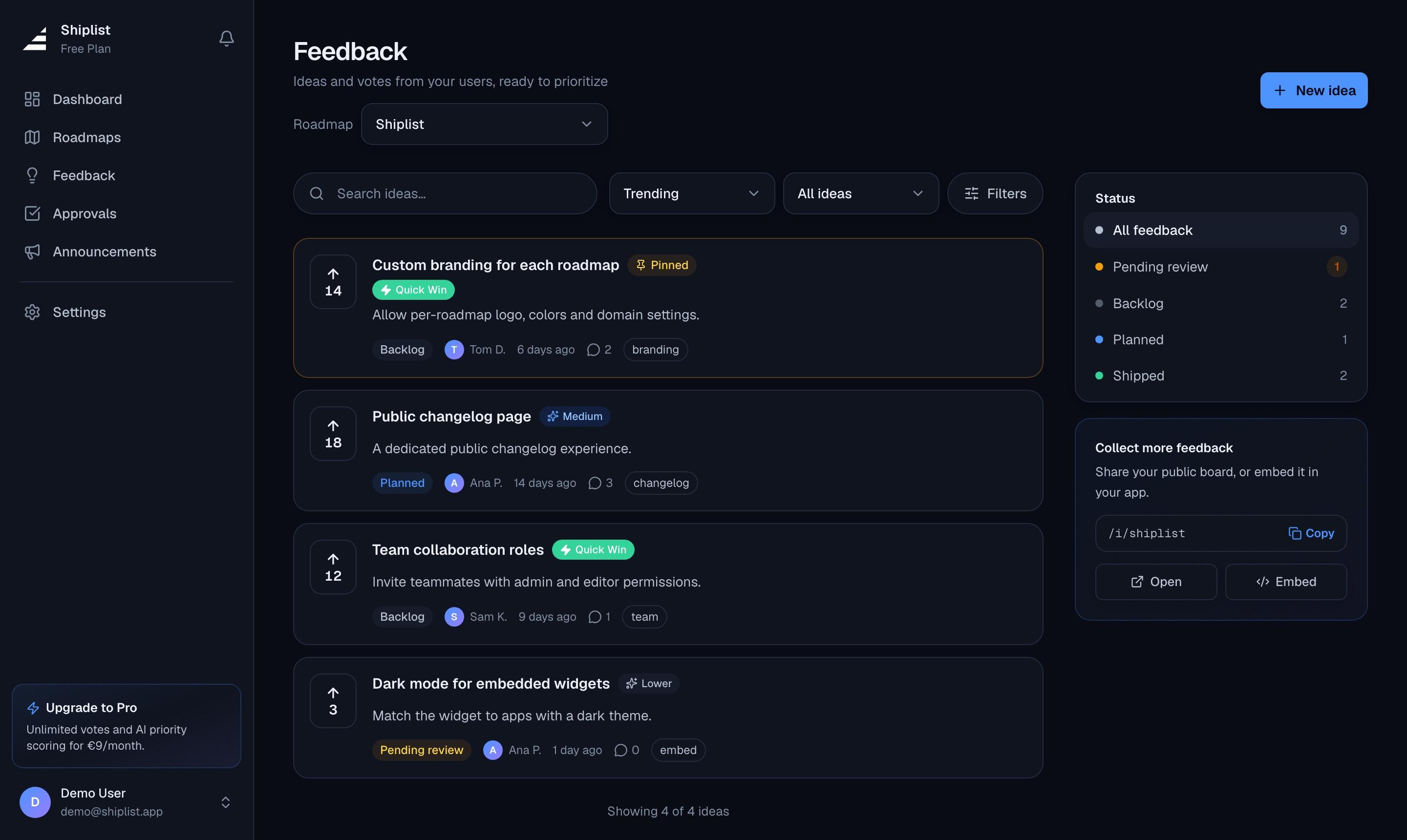
You decide what's next
Sort by votes or by the AI priority score, which weighs demand, impact and effort and explains its reasoning. Then move the winner to your roadmap.
- Priority score from 0 to 100, with the reasoning
- Pin ideas, approve or reject submissions
- Add to roadmap in one click: the idea stays linked
shiplist.app/ideas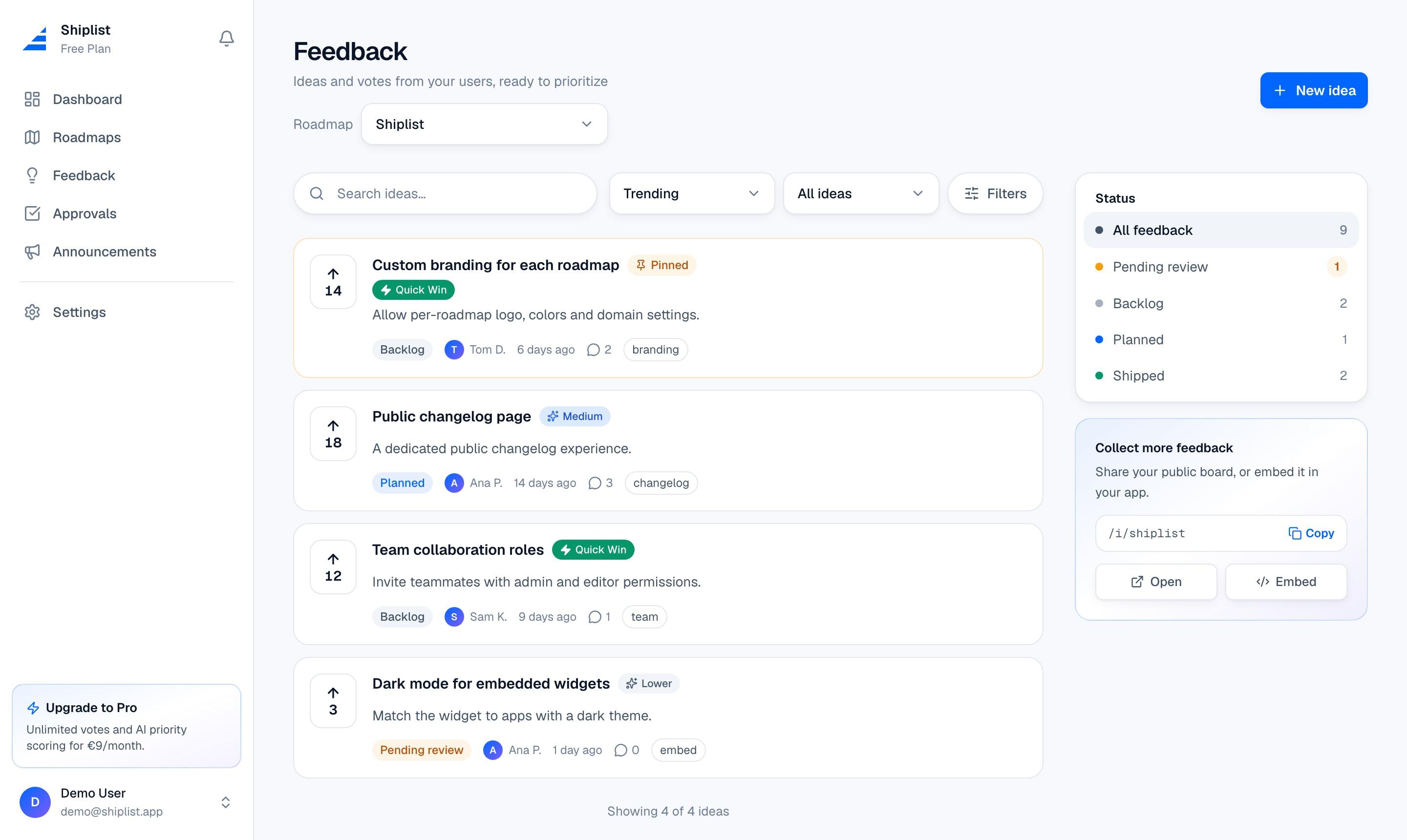
- 5 Shiplist, automatically
You ship it. They hear back.
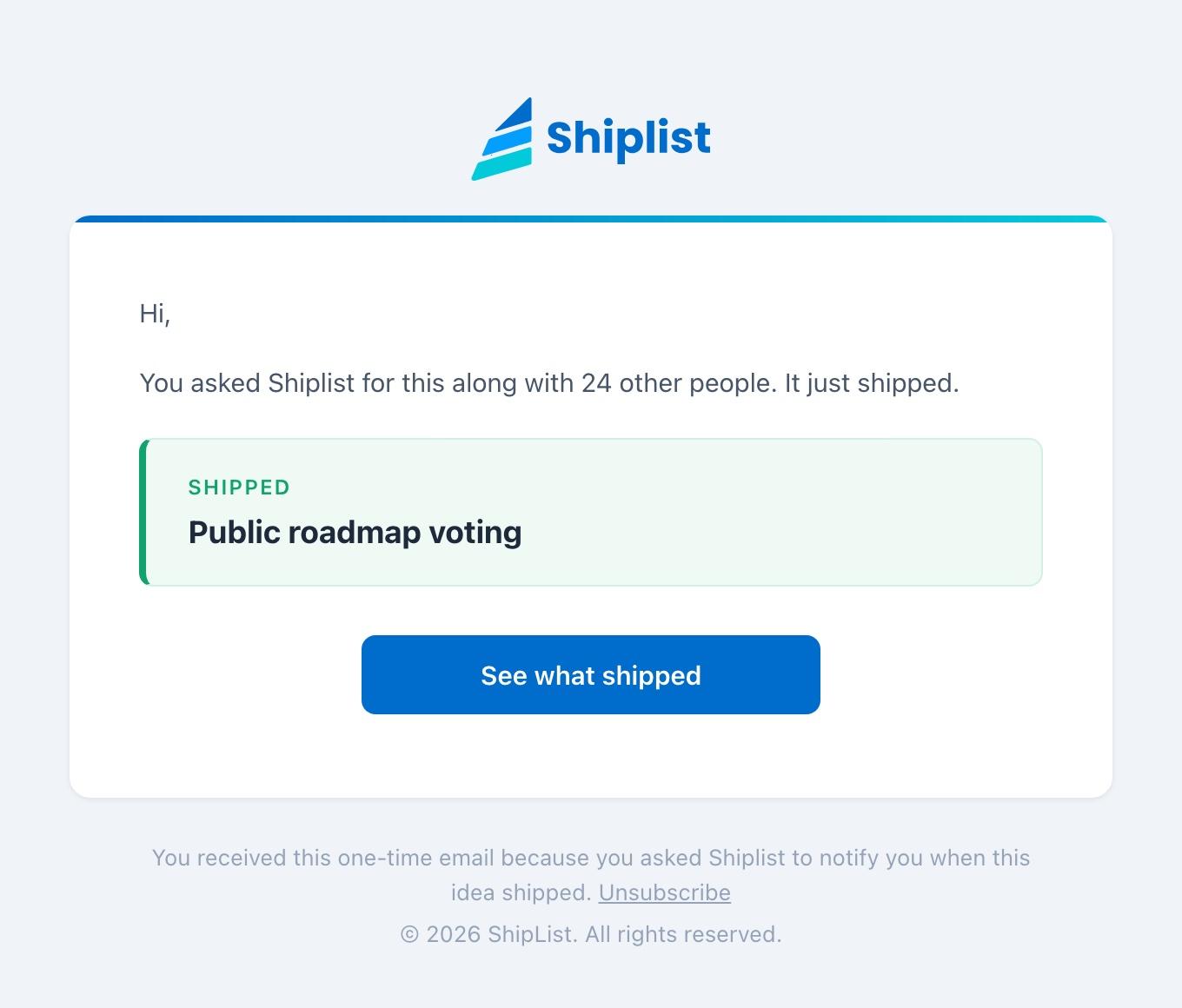
Move the roadmap card to Shipped. Shiplist publishes the changelog post and emails everyone who asked for the idea, including people who voted on merged duplicates.
- Changelog post published automatically
- One email to each person who asked
- Idea status updates to Shipped on the board
FromShiplist notifications
Tosara@northwind.io
SubjectShipped: Public roadmap voting
Where feedback comes from
Meet users where they already are.
Public board
A page at your own URL with ideas, votes, comments and statuses.
shiplist.app/i/your-product
In-app widget
Embed the board with a “Submit an idea” button inside your app or docs.
<iframe src="…/embed/ideas">
Slack
New ideas, comments and vote milestones post to the channel you choose.
#product-feedback
Everything included
Collect
- Voting without signup
- Comments and emoji reactions
- Tags and categories
- Vote milestones
Organize
- AI categorization
- AI duplicate detection
- Merge with votes combined
- Sentiment analysis
Decide
- AI priority score
- Approval queue
- Pin and private ideas
- One-click to roadmap
Close the loop
- “Notify me” for voters
- Auto changelog post
- Shipped emails
- Public status for every idea
AI features have monthly limits on Free. See plans →
Good questions
Do my users need an account to vote or post?
No. Anyone can post and vote on your public board or widget. Leaving an email is optional and only used to tell them when their idea ships.
How do you stop people from stuffing votes?
Each browser can vote once per idea, votes are rate-limited, and submissions go through spam checks. You can also turn on approval so new ideas wait for your review.
What exactly happens when I ship something?
Move the linked roadmap item to Shipped. Shiplist publishes a changelog post, marks the idea as shipped, and sends one email to everyone who asked to be notified, including people who asked on duplicates you merged.
Start hearing what they need.
Your public board is live in a few minutes. Free forever, no credit card.