A changelog that writes itself
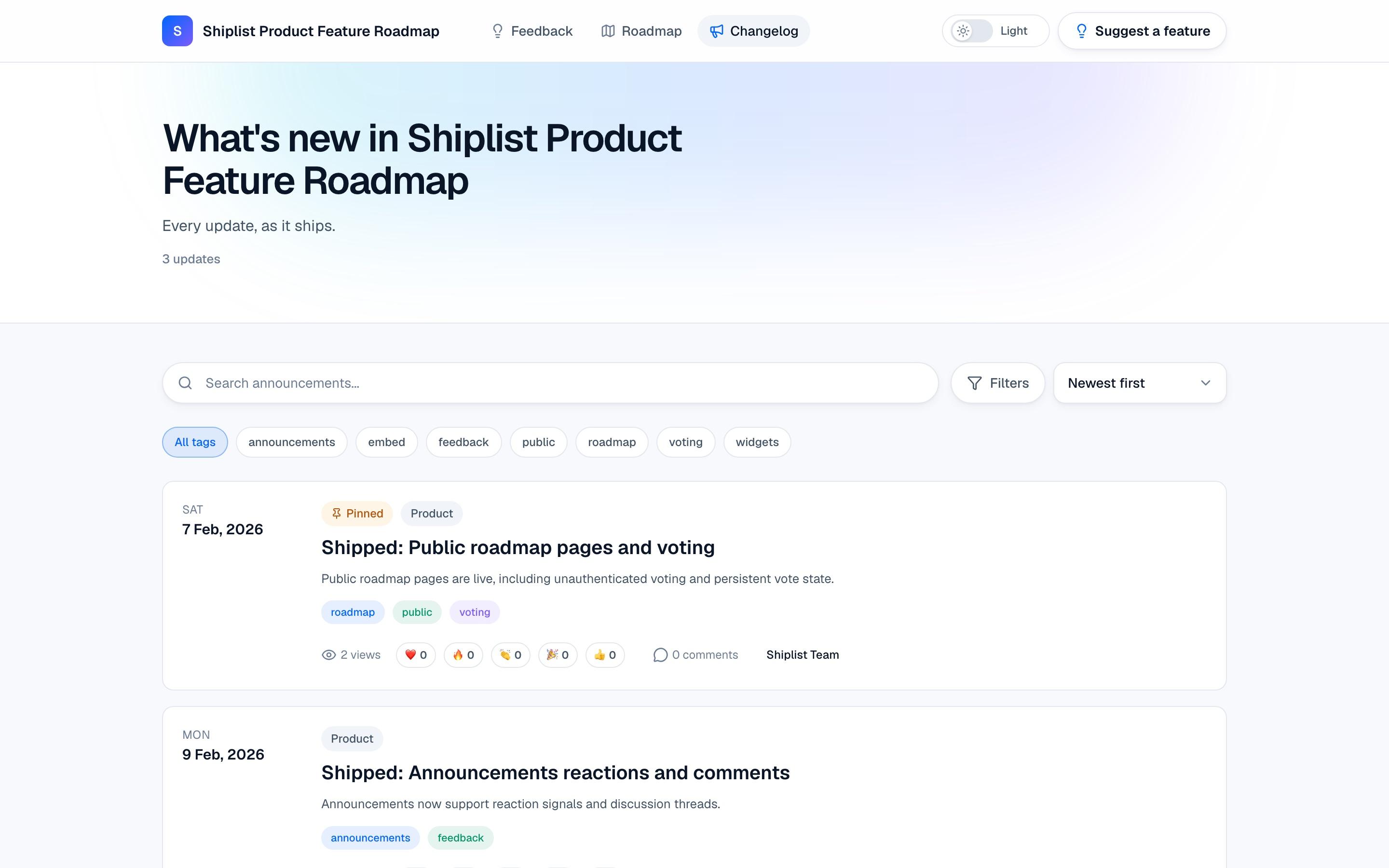
Move a card to Shipped and the post goes live on your changelog. Everyone who asked for it gets an email. No list to export.
How it works
Follow one release, from Shipped to their inbox.
- 1 You
You move a card to Shipped
That's the only thing you do. No separate tool to open, no post to remember to write.
- Drag on the roadmap, or change the status
- Works for cards that came from user ideas
- And for anything you add yourself
RoadmapIn progress
Public roadmap votingShipped
Public roadmap voting
Shipped - 2 Shiplist, automatically
The post publishes itself
Shiplist creates the changelog post from the card: a “Shipped:” title, a summary from the description, and today's date. It's live right away.
- Title and summary written from the card
- Published on your changelog instantly
- Linked back to the idea and roadmap item
Changelog · New postTodayProduct Auto-publishedShipped: Public roadmap voting
Users can now vote on items right on your public roadmap. Nothing to turn on.
You didn't write a word
- 3 You
Polish it, if you want
The post is a normal announcement you can edit. Add a cover image, a button, a channel, or let AI write a better summary.
- Cover image, tags and channel
- Call-to-action button with your link
- AI summary, pinning, comments on or off
Edit announcementDrop a cover imageShipped: Public roadmap voting
Write summary with AI
Product PinnedTry it now - 4 Your users
Users read it and react
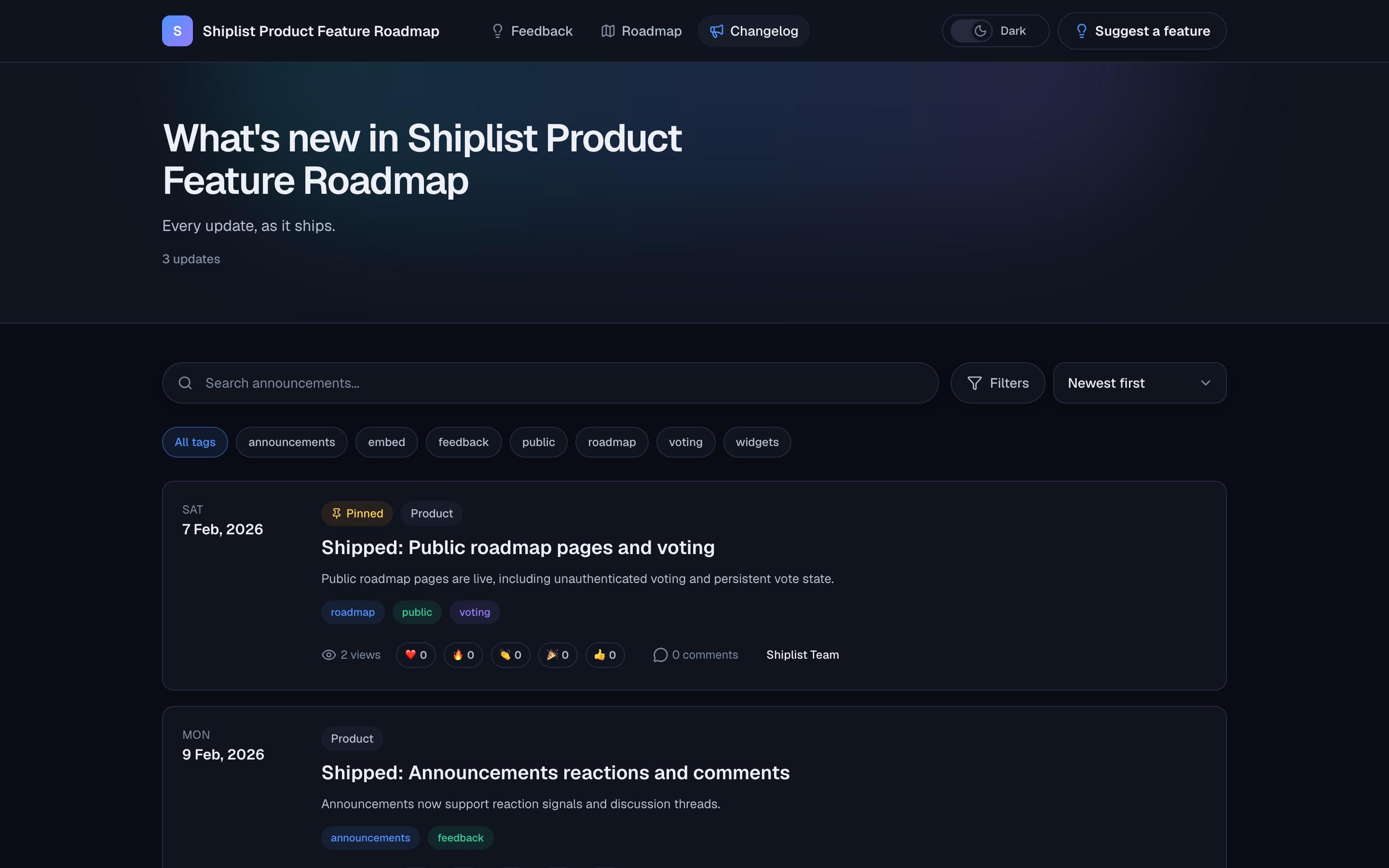
Your changelog lives at its own link and inside your app. People react, comment and click through to try what you shipped.
- Public page at shiplist.app/a/your-product
- Embeddable widget for your app
- Reactions, comments and view counts
Shipped: Public roadmap voting❤️ 32🔥 18🎉 24👍 10Sam K. · 1h ago
Finally! Our users found it on day one.
Marta R. · 40m ago
Exactly what we asked for. Thanks for listening.
- 5 Shiplist, automatically
Everyone who asked gets an email
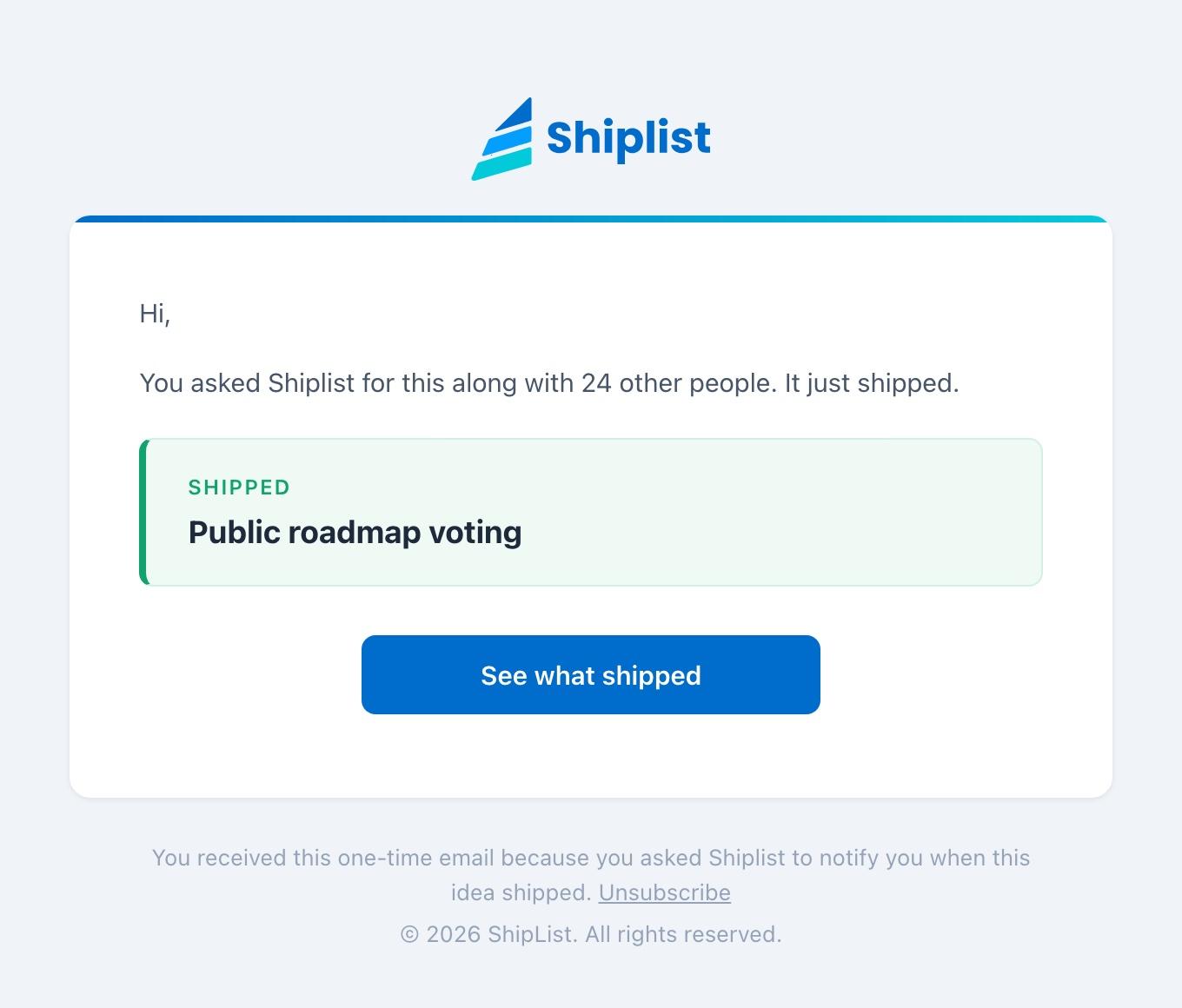
People who voted and asked to be notified get one email with a link to the post. Including the ones who asked on duplicates you merged.
- Only people who asked, never a mass blast
- One-click unsubscribe
- Sent from Shiplist, nothing to set up
FromShiplist notifications
Tosara@northwind.io
SubjectShipped: Public roadmap voting
Where updates show up
Wherever your users are looking.
Public changelog
A page at your own link with every update, filterable by channel.
shiplist.app/a/your-product
In-app widget
Show the latest updates inside your app or docs.
<iframe src="…/embed/announcements">
Their inbox
The people who asked for a feature hear about it the moment it ships.
Shipped: Public roadmap voting
Everything included
Automate
- Post on Shipped
- Shipped emails
- Merged ideas included
- Linked to the roadmap
Write
- Title, summary and content
- AI summaries
- Cover images
- Custom publish date
Organize
- Product, Marketing, Engineering
- Tags
- Pinned posts
- Embeddable widget
Engage
- Emoji reactions
- Comments, per post
- View counts
- Calls to action
Good questions
Do I have to write a post for every release?
No. When a roadmap card moves to Shipped, Shiplist publishes a post from its title and description. Edit it afterwards if you want to add more.
Can I post updates that are not on the roadmap?
Yes. Write an announcement any time, for fixes, news or anything else, from the Announcements page.
Who gets the email?
Only people who asked to be notified about that idea, usually right after voting. Nobody is added to a mailing list, and every email has a one-click unsubscribe.
Tell them it shipped.
Every release gets a post, and everyone who asked for it gets an email. No list to export.